Warehouses with automation islands
You run AMRs, a conveyor line or a put wall beside manual work. WES gives the islands one plan, one queue and one screen, instead of each vendor system running its own island.

A control tower for warehouse automation: device fleets, release policies, and a live 3D execution view — AMRs, conveyors, and put walls working to one plan.
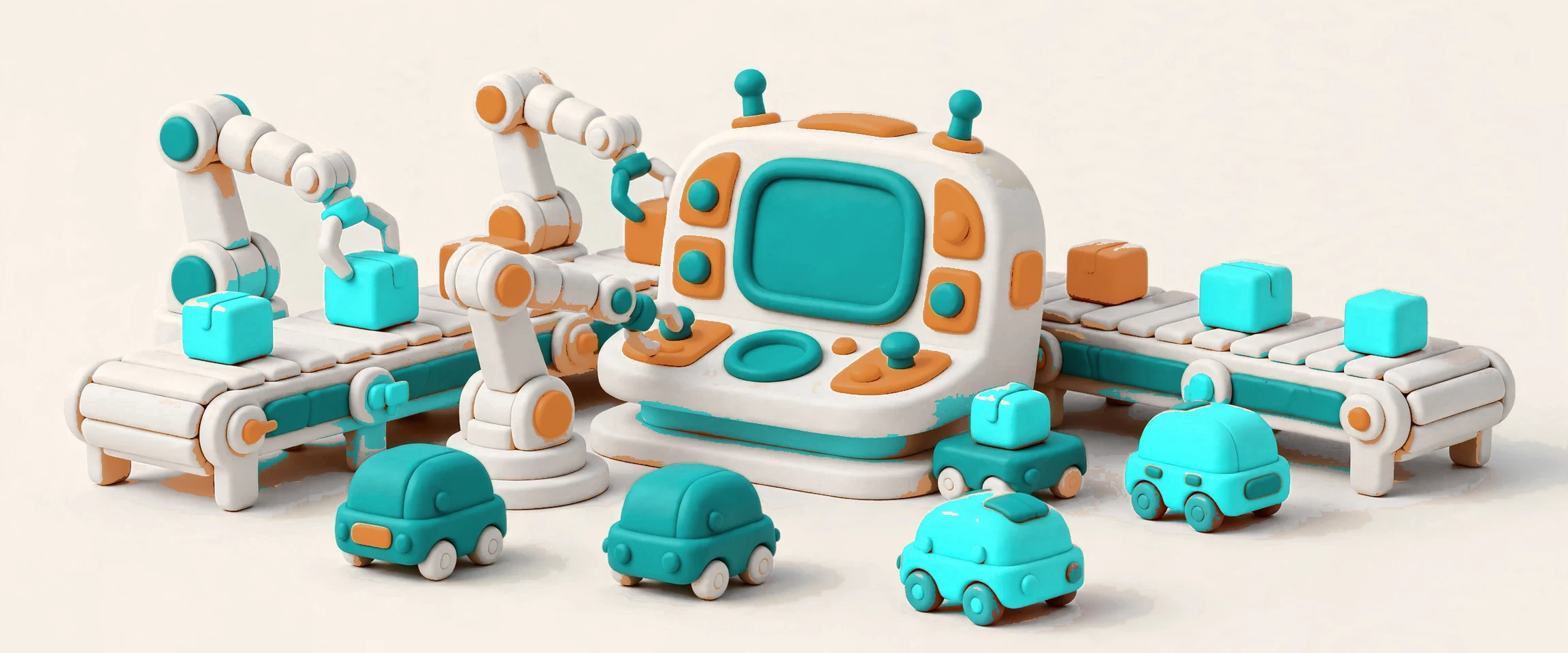
Docklify WES is the execution layer between the warehouse plan and the machines and people who carry it out. WMS decides what needs doing; WES decides when each job is released, who or what does it, and in what order — then watches it happen on a live control tower and a 3D twin of the floor. Release gates pace work by downstream capacity, one dispatch pool orders human and device tasks by the same rules, and device jobs travel a single contract whether the device on the other end is a real AMR, a conveyor, a put wall, or a simulator standing in for one. If automation ever stops, one switch hands every job back to manual work — the warehouse never waits on the orchestrator.
You run AMRs, a conveyor line or a put wall beside manual work. WES gives the islands one plan, one queue and one screen, instead of each vendor system running its own island.
A client asks whether you can run automation before signing. WES answers with a live demo on the same contract real devices will use — simulators today, real adapters tomorrow, nothing else changes.
Releasing everything at once floods the pack stations and the dock. Release gates drip work out by downstream capacity, and the pool reorders itself by due time, so the urgent order jumps the queue honestly.
One screen has to answer whether the floor is keeping up: device states, station queues, due-time risk and the automation switch. The control tower is that screen.
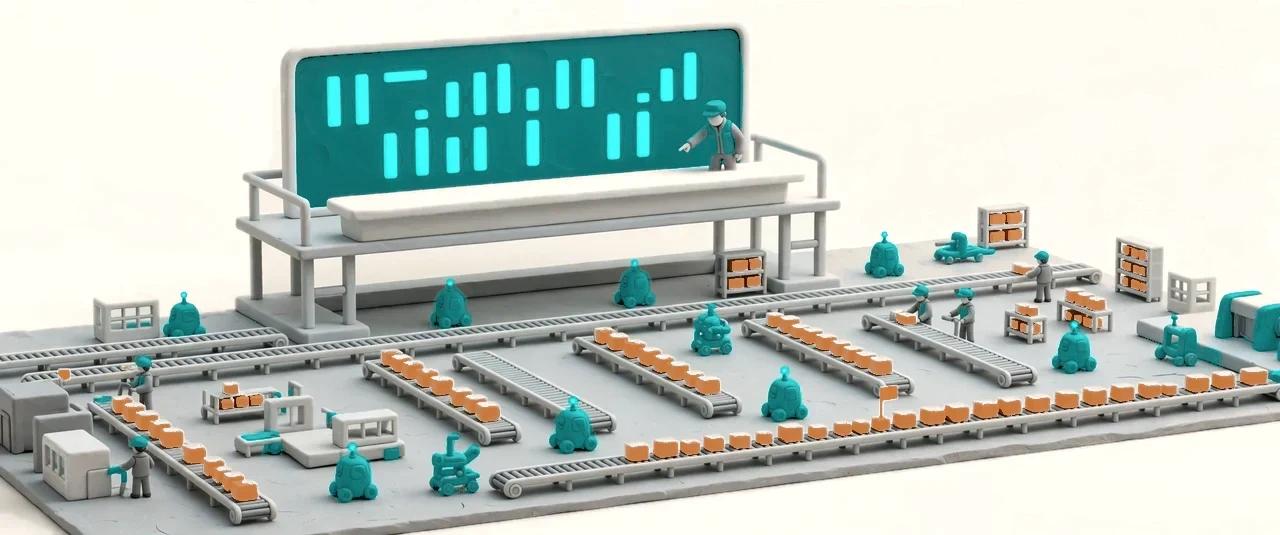
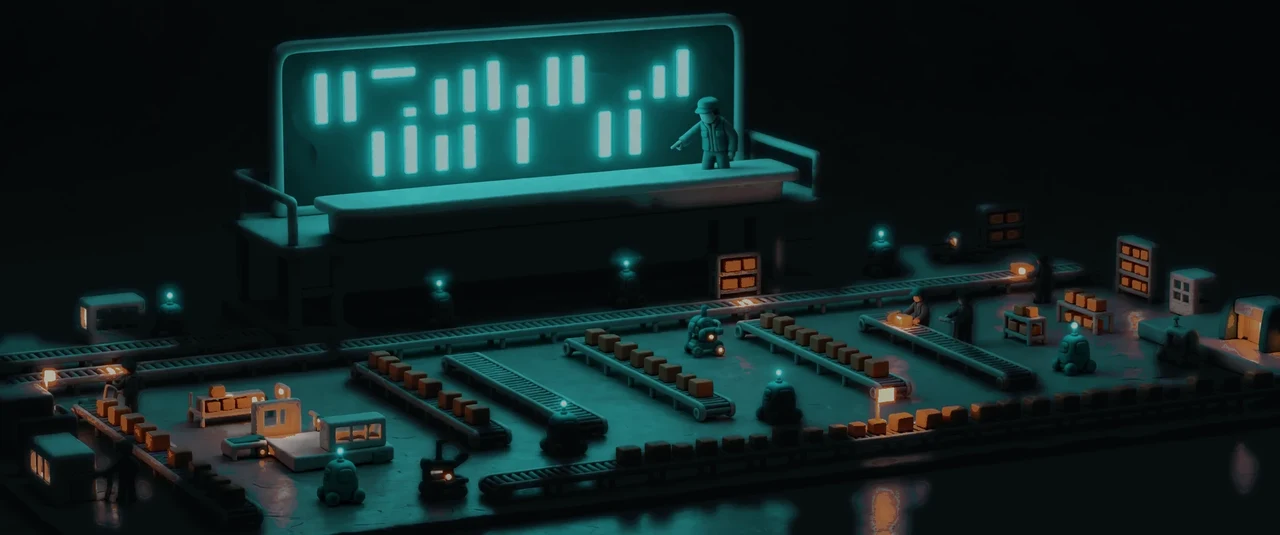
The control tower is the WES home screen, and it reads like the floor itself. A device wall shows every device and station in its six-state color — idle, busy, blocked, fault, offline, maintenance — with simulated devices badged as such. Throughput KPIs, station queues and due-time risk sit beside it, and a task list below names the actual jobs — number, instruction, device, station, state, failure reason, source and SLA bucket — with a drawer for the full event timeline. The automation switch state rides at the top as a banner, and everything filters by warehouse and demo run, so an old run never pollutes current numbers. Live subscriptions refresh the screen, with a thirty-second poll as backup, and freshness is stated plainly.
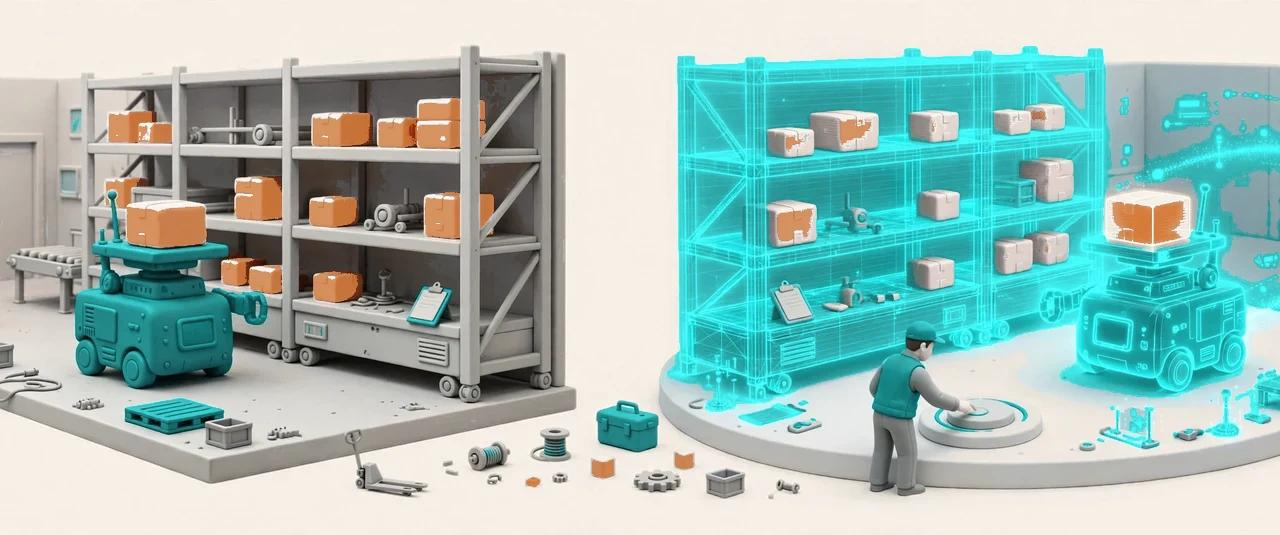
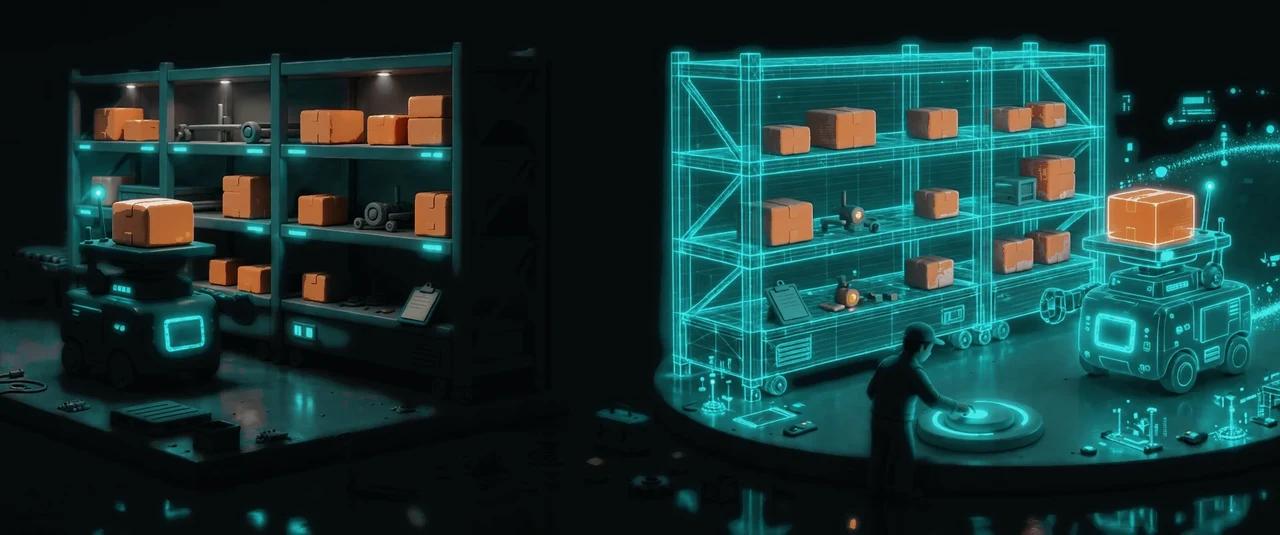
The warehouse twin stops being a static map and starts moving with the work. Device and station layers render equipment at its real layout coordinates in the six-state colors; the task layer draws in-flight jobs and their paths, computed by the one shared path function the picking views use; the people layer places operators at their current task's location, labeled as an approximation. A bottleneck heat layer switches between inventory, queue build-up and device utilization — one floor, three questions. Replays pick a run from a dropdown — number, first and last event time, event count — and the twin replays that run alone. It is the same 3D engine the warehouse already uses, with execution layers added — not a second viewer to learn.
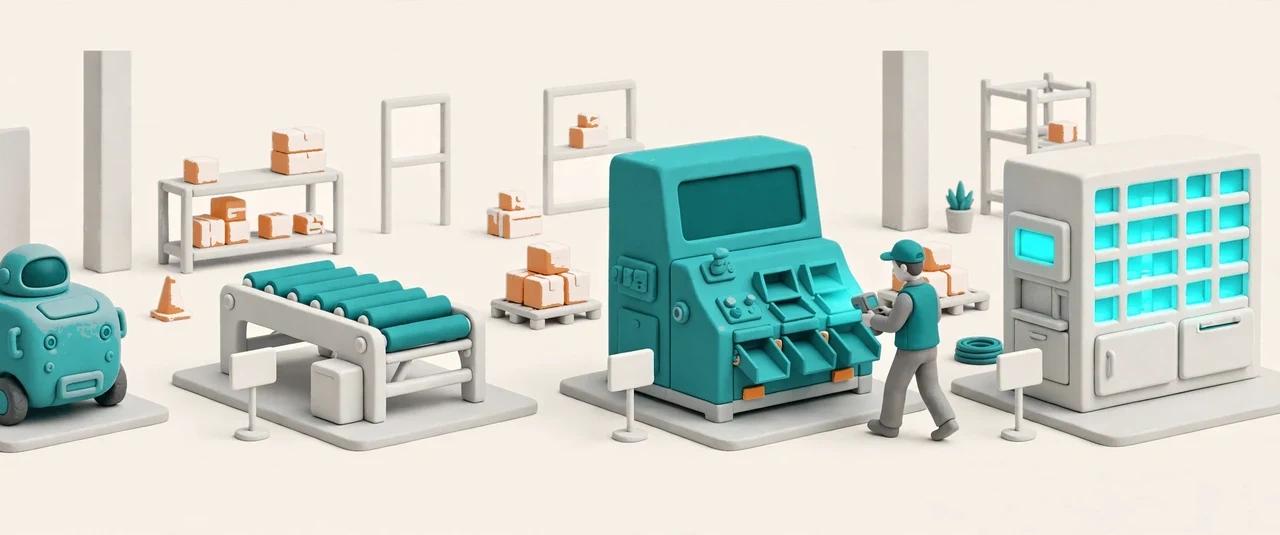

Orchestration starts with knowing what exists. Every device registers once with its type, capability declaration — what it can do, per its adapter family's schema — home station, rated capacity and layout position, linked through one association table, which also carries conveyor topology. Stations are first-class records too, with type, rated throughput, parallel capacity and compatible set; the packing benches already in the warehouse mirror in as pack stations, data unmoved. Device types are no longer a closed list: a new family registers its type and capability schema, and the engine accepts it without a migration. Simulated devices register like real ones, marked only by a read-only badge and excluded from dispatch.
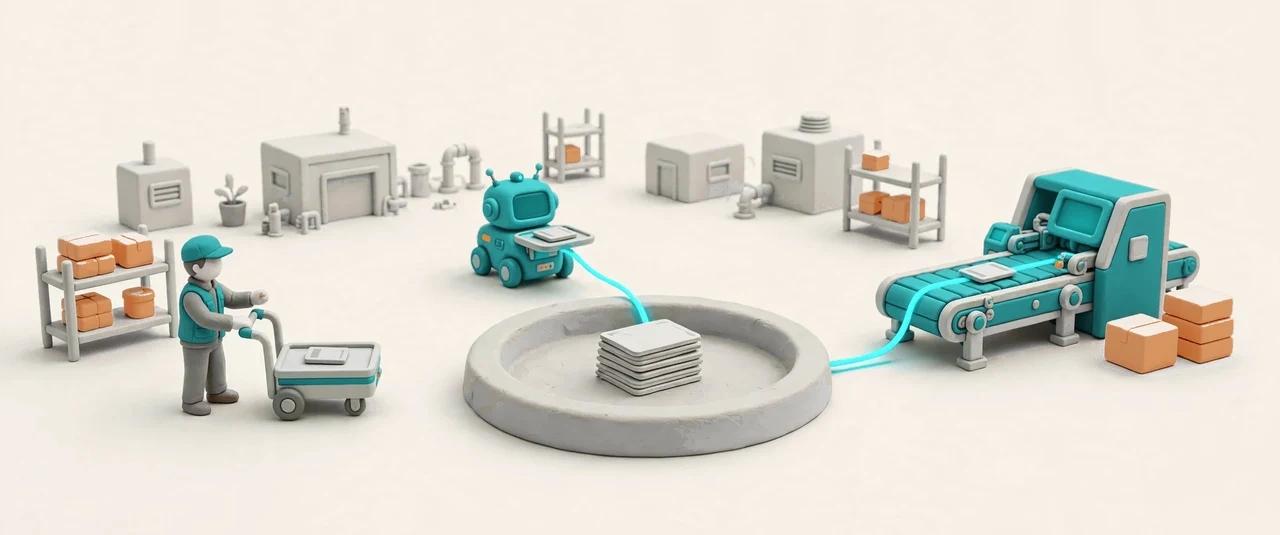
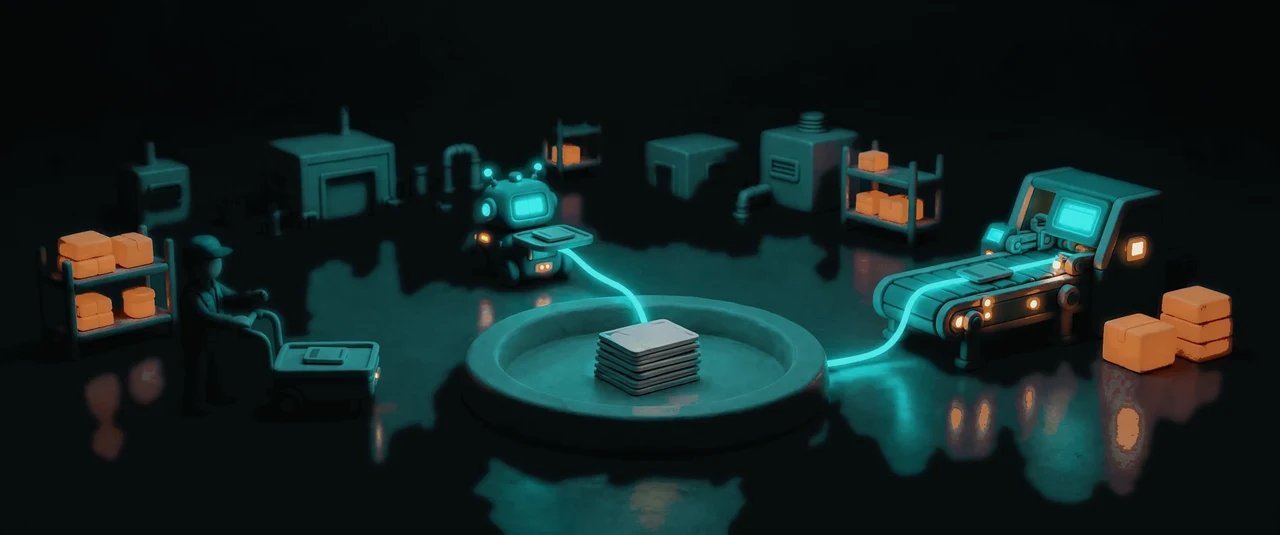
Generating a task and releasing it are two different decisions, kept apart. Every generated task lands unreleased, and the gate moves it to executable when a policy says so. The immediate policy releases at once, kept as default and fallback. The drip policy releases in timed batches with a per-batch cap, feeding the floor steadily. Policies live in the rules engine as named, registered strategies, looked up in a table — never in if-statements — and a supervisor releases a single task by hand when judgment beats the schedule. A warehouse-wide direct mode bypasses the gate for sites that do not run orchestration. Tasks created before the gate are treated as already released, so live work is never stranded.
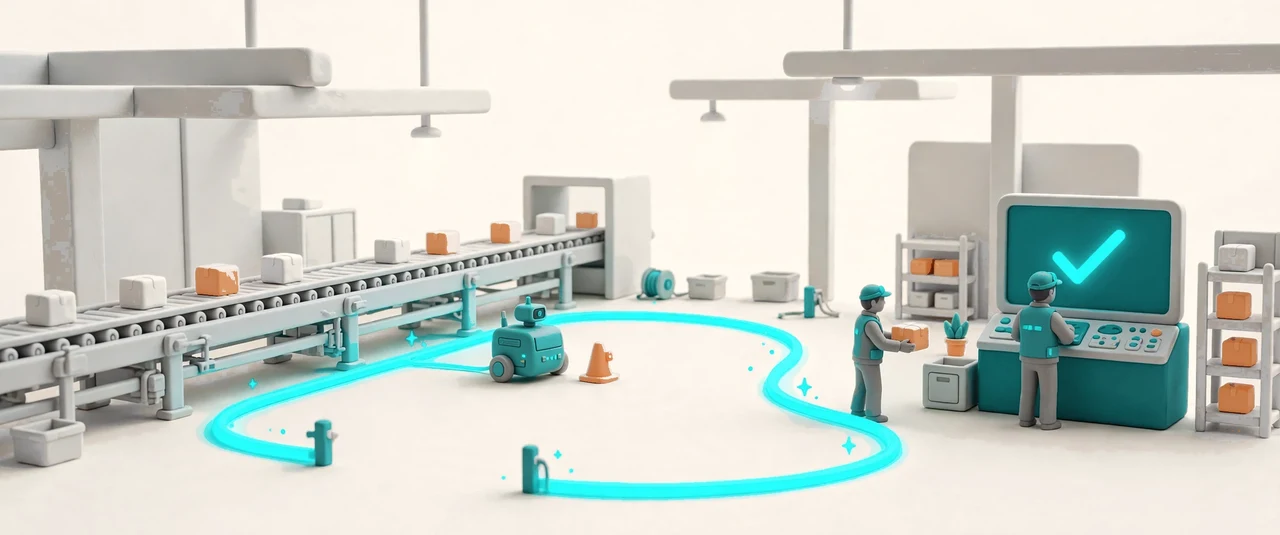
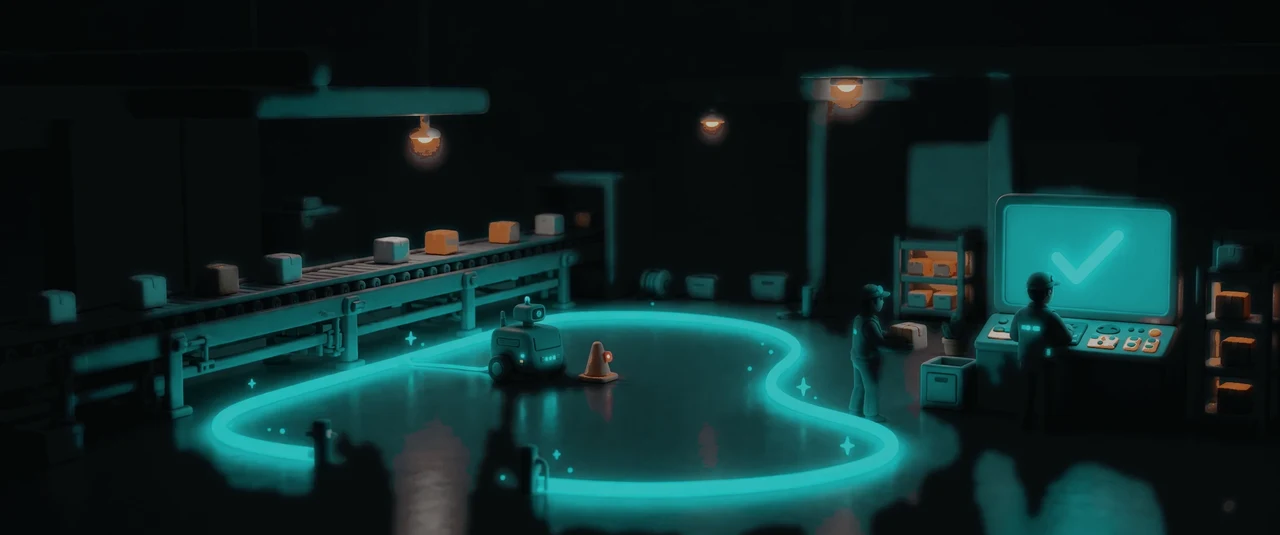
Four dispatch habits used to run side by side, each with its own idea of priority. WES converges them into one service with one ordering rule: earliest due time first, then highest priority, then customer priority weight, then oldest first. The task list and the dispatcher read the same ordering definition, so screen and engine never disagree. Taking a job is atomic: a device or station claims it with a lease, renewable for long work or releasable back to the pool, and two claimants cannot take the same job. Starting a job checks the claim state, so no task starts twice by accident. Manual assignment, reassignment and take-over stay as they are — the service only runs the automatic side, and a human decision always wins.
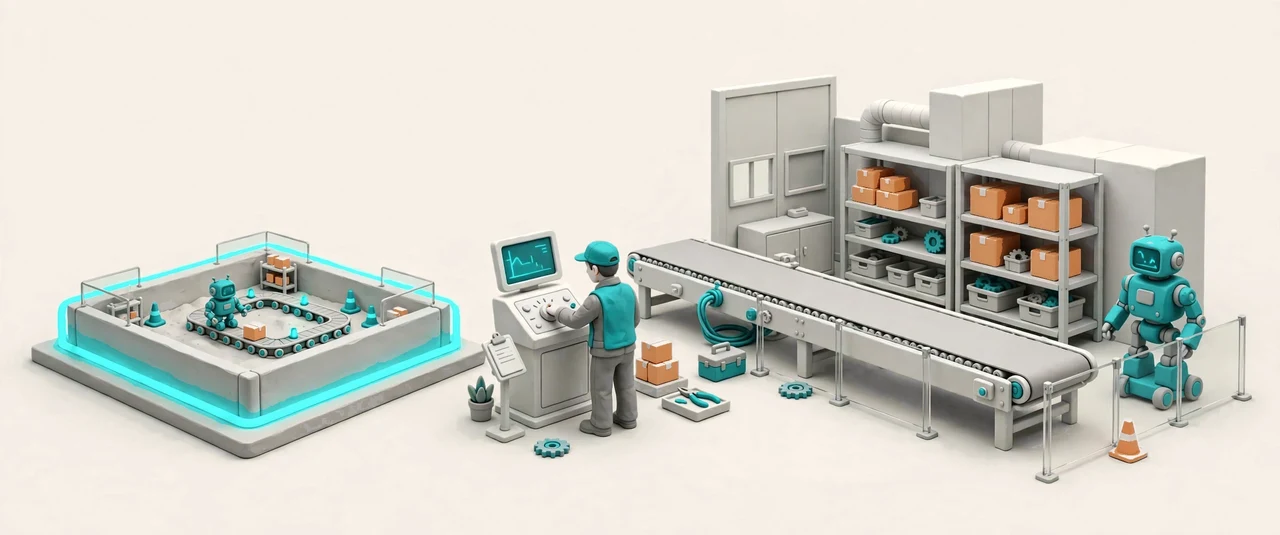
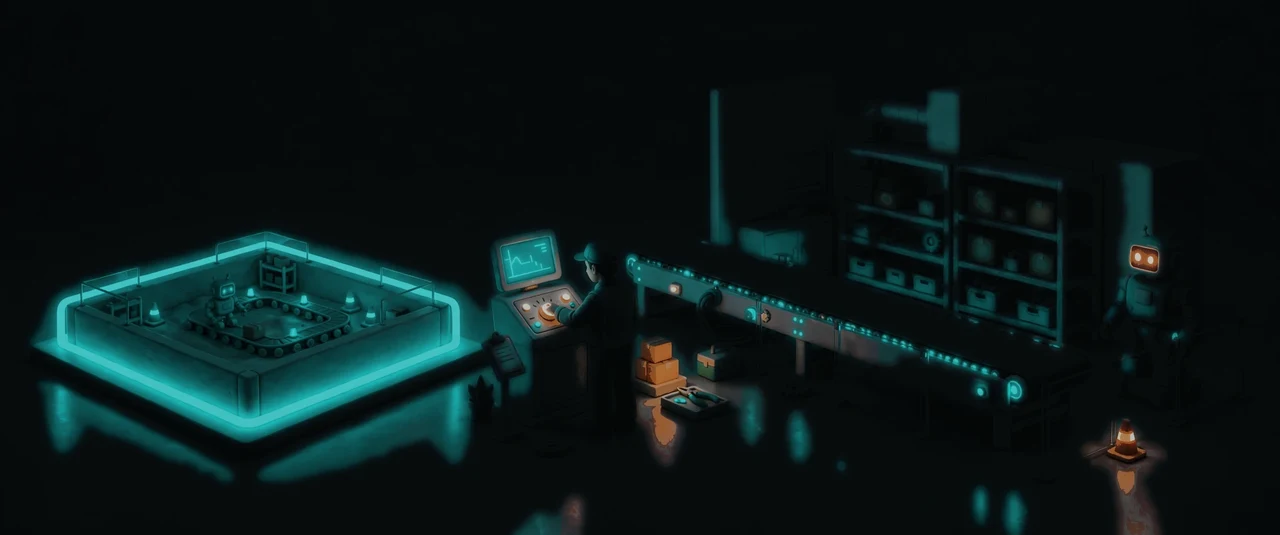
A blocked conveyor or a faulted AMR used to strand its work. In WES, a blocked or faulted device reports the event, and orchestration reroutes unstarted jobs to another device with the same capability — chosen by the registry. Jobs in motion move to a manual degradation queue with a notification, so a person picks them up. A blocked put wall slot heals itself when the blocking job reaches its end state, and a supervisor can reset a blocked device by hand, the action recorded. The automation pause switch stops the gate and the device feed at once, and every job falls back to the manual path it knows. Reroutes are capped at three per job with a cooling-off period, so a flapping device cannot trigger a storm of reassignments.
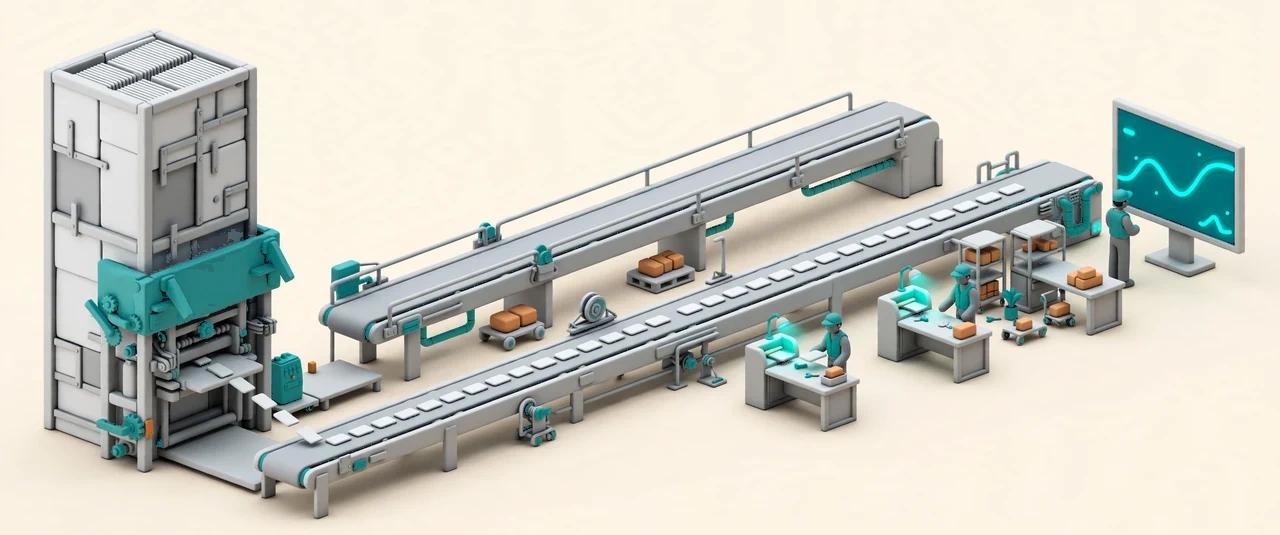
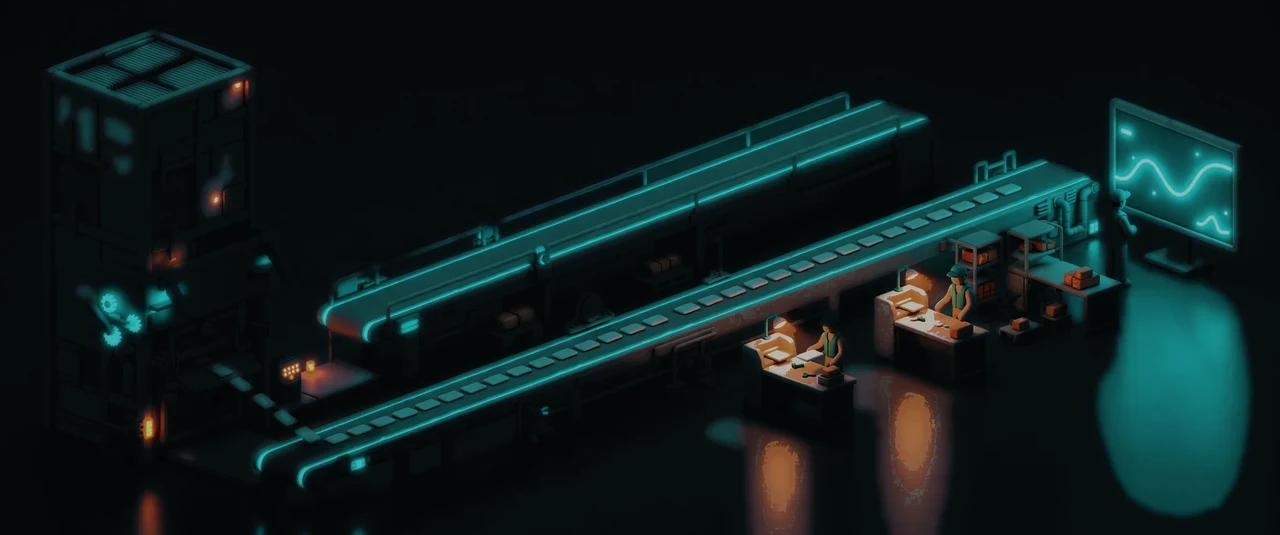
The fleet is one formation, not separate machines sharing a building. A virtual AMR carries a shelf to a goods-to-person station, a virtual conveyor diverts parcels by scan events, a virtual put wall lights its slots and waits for confirmations — all on the same contract and registry entries as real equipment. Three story lines run the whole chain — goods-to-person picking, conveyor and put wall sorting, fault with rerouting — in a dedicated demo warehouse, each run isolated, resettable in five minutes. When a real device arrives, only its adapter changes. Fault injection is built in: delay, failure rate, offline and full slots are set per simulated device, so the demo shows a faulted AMR rerouting to its spare.
Jobs and events travel one channel with an idempotency key on every job, six instruction codes and seven event codes, and every job anchored to a task or a business document.
Forty-eight dictionary event codes name every step; device milestones are summarized into the task timeline, so the task story stays in one place.
Milestone events are stored in full; telemetry is sampled at most once a minute per device, rolled up hourly, and event detail is kept for 90 days.
Queue depth, completion rate, SLA risk, device utilization and faults, and reroute rate — the same definitions feed the tower and the reports.
WES is an independent app opened per tenant by the platform team. Until then it is invisible: no grid tile, no direct link, no WES tab inside WMS.
Pick the warehouse once in the top bar and every WES page follows — tower, 3D, devices, demo — with no per-page warehouse picker.
Adapters register once and declare their capabilities; registered is not the same as commissioned, and only commissioned adapters reach production. Concepts map to VDA 5050.
A five-minute patrol flags devices whose heartbeat went stale, and an hourly patrol reconciles device jobs against task step-log milestones — both alert only, never rewrite.